
Redesigning an AI Companion Experience

for Clarity, Accessibility, and Usability​

Simplifying navigation, improving system feedback, and designing for accessibility in a multi-modal AI system.

2025-2026

My Role: Senior Product Designer

Team

Robotics Engineering
AI / Data Science
Clinical Research Team
Product & Strategy
Software Engineering (Unity / Backend)
Marketing & Partnerships

Responsibilities

  • Led the redesign of the robot experience and interactions across tablet, voice, and behavior
  • Defined navigation and product structure with a focus on senior accessibility
  • Tested with real users and iterated based on feedback

Designing a Multi-Touchpoint Experience

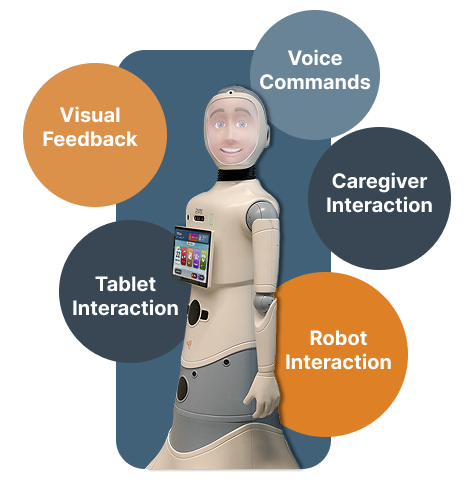
This project required designing a complete interaction ecosystem rather than a single interface. The experience included tablet UI design, voice interaction alignment, robot behavioral responses, visual feedback systems, and caregiver-facing workflows.

Design Approach

I simplified navigation, reduced reliance on scrolling, and made system feedback clear and visible. I also improved discoverability and designed for accessibility through larger touch targets and clearer visuals.

Challenge

Over time, user engagement declined. Research showed that unclear system status, poor feature discoverability, and navigation that didn’t match users’ mental models led to confusion and reduced interaction.

The impact

Reduced confusion, improved discoverability, and enabled more confident, independent use. Users completed tasks more easily and engagement increased over time.

3× increase in daily engagement

Average daily usage increased from ~30 minutes to ~1.5 hours per day after the redesign.

*small pilot group (n=4), 

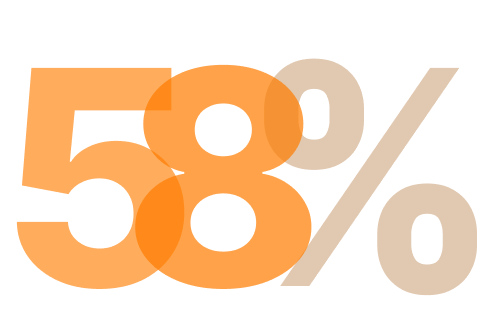
58% reduction in task errors

First-time users completed tasks with significantly fewer errors after the redesign.

Based on moderated usability tests with 12 participants aged 65-82

Research & Insights

Understanding User Behavior

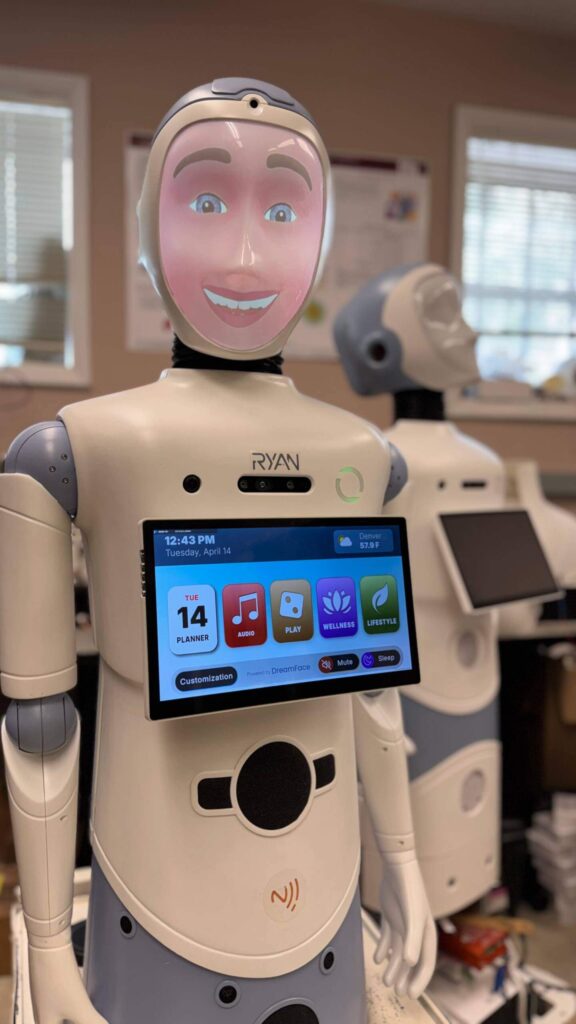
RYAN is an AI-powered wellness robot used in senior living environments. The robot provides cognitive activities, wellness programs, entertainment, and daily assistance through a tablet interface and voice interaction.

Research Methods

Mixed-method research conducted in real-world care environments
3 months
Study duration

Bi-weekly
Session frequency

4
Research methods

2 groups
Users + caregivers

RYAN — Research Methods

Research Methods

Mixed-method research conducted in real-world care environments

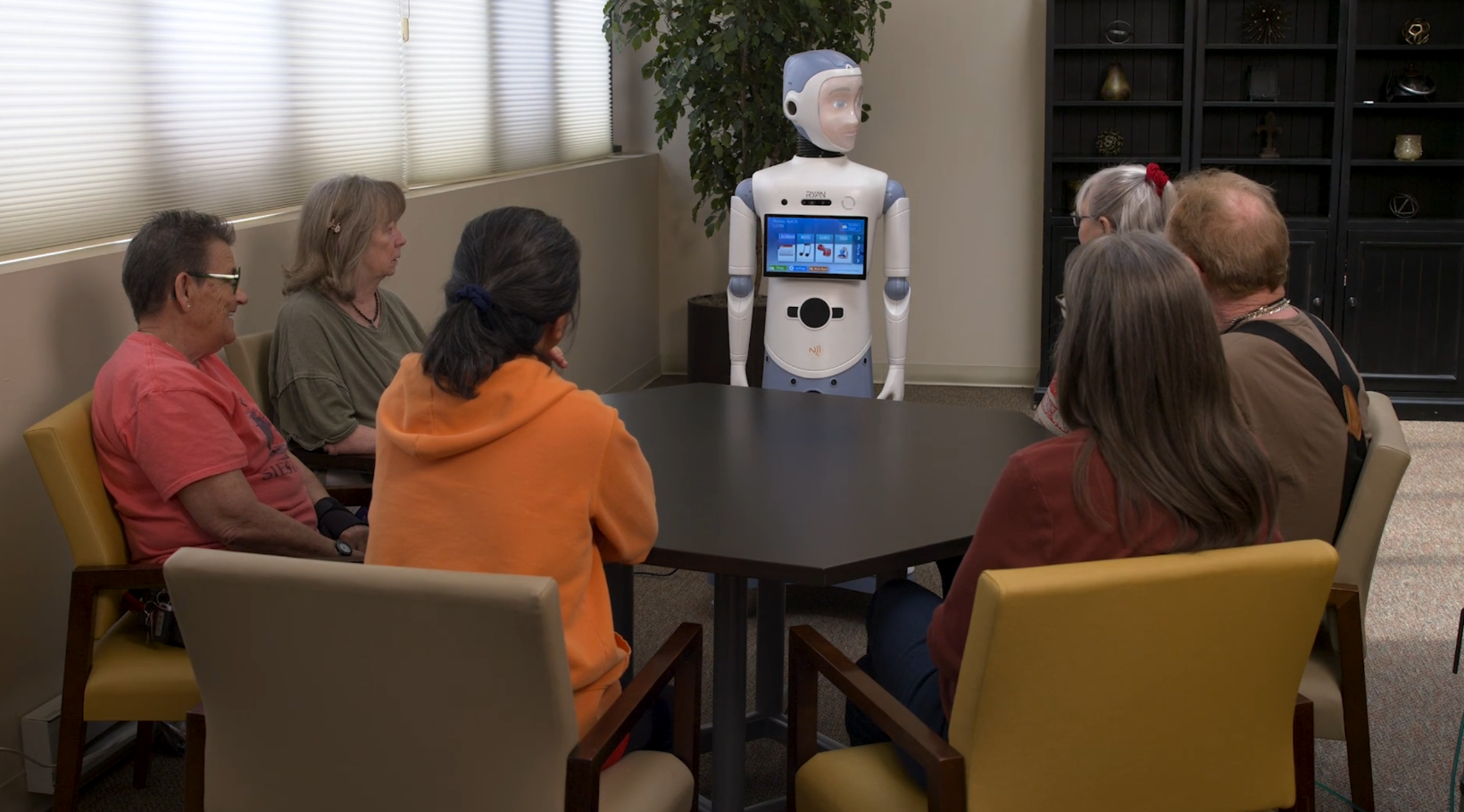
RYAN robot interacting with older adults
👁️
Field Observation
Observed real interactions in care environments
💬
User Feedback
Collected insights from residents and caregivers
🧪
Usability Testing
Identified friction in navigation and tasks
Accessibility Research
Studied visual, cognitive, and motor needs
📊
Usage Analysis
Analyzed engagement patterns over time

In-Field User Research

Field-based research with real users and caregivers to uncover usability issues, behavior patterns, and system limitations.

Usage data revealed declining engagement and inconsistent interaction patterns.

Drop in repeat usage Users did not return to key features consistently.
Inconsistent usage patterns No stable daily habit formed.

Sharp decline in engagement from 4–5 hours/day to ~30 minutes/day over time

Bi-weekly sessions revealed real-world interaction challenges.

Unclear system status Users and caregivers couldn't tell if the robot was muted, connected, or responding.
Small touch targets Users made frequent errors due to accidental taps.

"I thought the robot stopped working, but it was just muted."

— Resident

Structured feedback highlighted usability and navigation issues.

Lack of guidance Users didn't know where to start or what to do next.
Hard-to-find key features (assessments, language settings)

"I knew it was there, but I couldn't find it."

— Resident

Combined perspectives revealed gaps in trust, guidance, and system clarity.

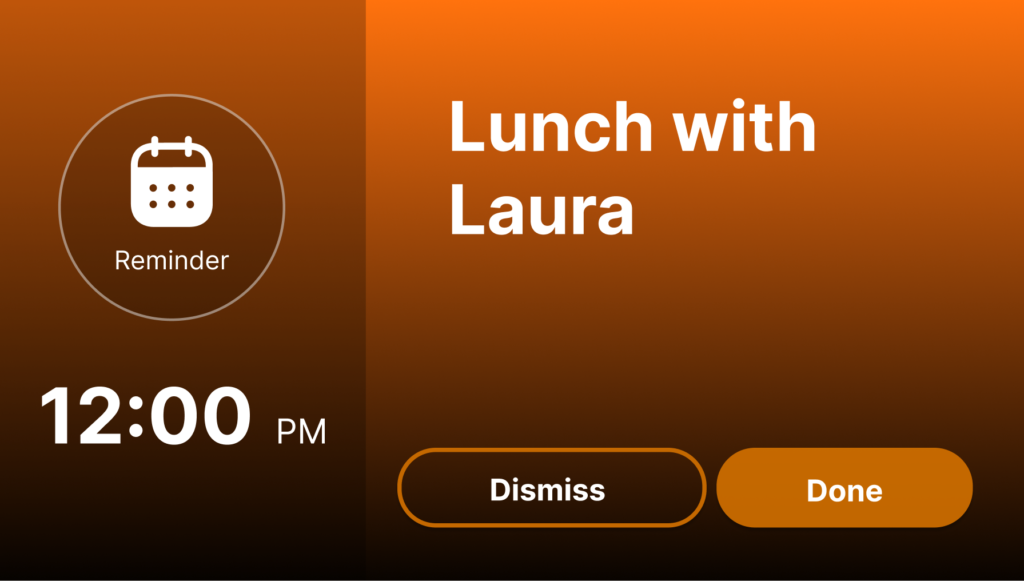
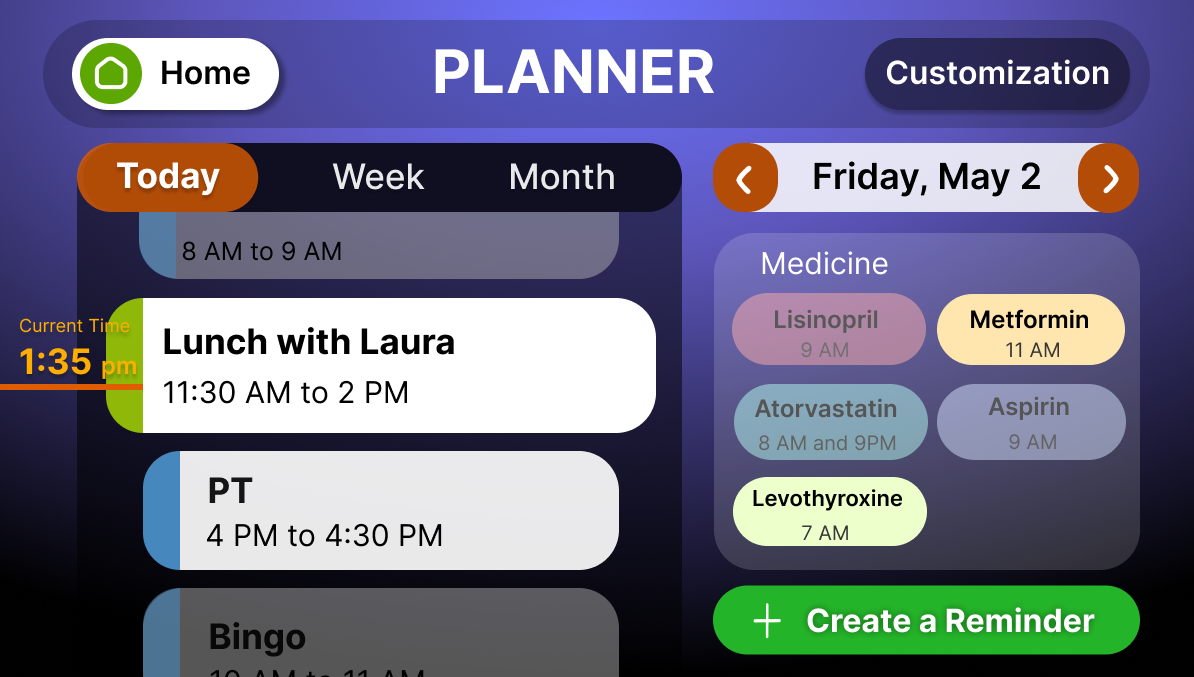
Need for clear reminders (scheduled activities)
Need for better onboarding & guidance

"We didn't know if it was working or if something was wrong."

— Caregiver
These insights revealed key usability gaps and informed the need for accessible, easy-to-understand interactions for older adults.

Translating Accessibility Needs into Design

Key accessibility considerations derived from research, shaping interaction and visual design decisions.

Mobility icon

Mobility

  • Larger touch targets & spacing to prevent errors and support limited dexterity
  • Simplified interactions minimal gestures and one primary action per screen
  • Low physical effort voice support and no time-sensitive interactions
Visuals icon

Visuals

  • WCAG-compliant colors with high contrast and scalable typography
  • Clear hierarchy & simple layouts uncluttered screens for better focus
  • Redundant cues color + text/icons (no color-only indicators)
Cognitive icon

Cognitive

  • Clear feedback & system status consistent visual and verbal cues
  • Simple, predictable flows limited choices and step-by-step interactions
  • Familiar language & error support plain wording with confirmation and gentle recovery
Hearing icon

Hearing

  • Multimodal feedback audio always paired with text/icons (no audio-only instructions)
  • Clear visual support captions and status indicators for all system states
  • Accessible audio control adjustable volume with visual confirmation of actions

Designing for Real User Behavior

Real-world behavior, accessibility needs, and trust gaps shaped key design decisions in the robot experience.

Adoption ≠ Digital Confidence

Older adults widely use the internet, but device ownership and digital fluency decline with age.

Accessibility Is Foundational

Vision and hearing limitations affect a large portion of users, shaping how information is perceived.

Guided Flows Drive Adoption

High telemedicine usage shows comfort with structured, goal-oriented interactions.

Robotics Requires Trust

Robots entering care environments demand clarity and predictability at every interaction point.
💡 Solution

Design must reduce reliance on prior experience and support first-time use.

📄

Pew Research Center (Jan 2024) — Americans' Use of Mobile Technology and Home Broadband

Synthesis

From Insights to Design Decisions

Translating user research findings into actionable design improvements
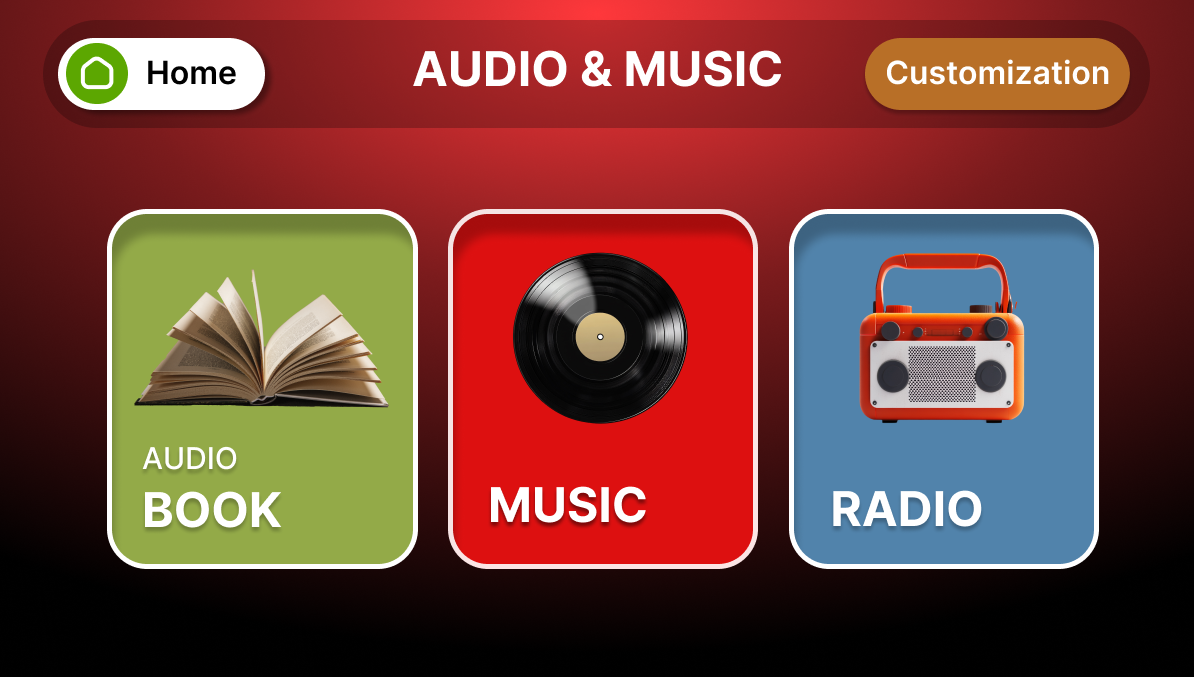
Simplifying Navigation to Reduce Cognitive Load

01

After (Redesigned Navigation)

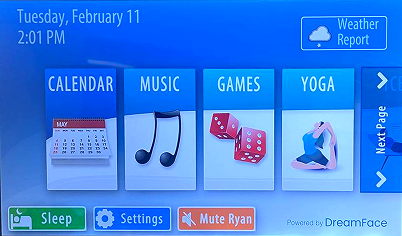
Before (Original Interface)

  • Reduced scrolling by surfacing key features
    Essential functions always visible
  • Used clear, simple language
    Familiar terms for older adults
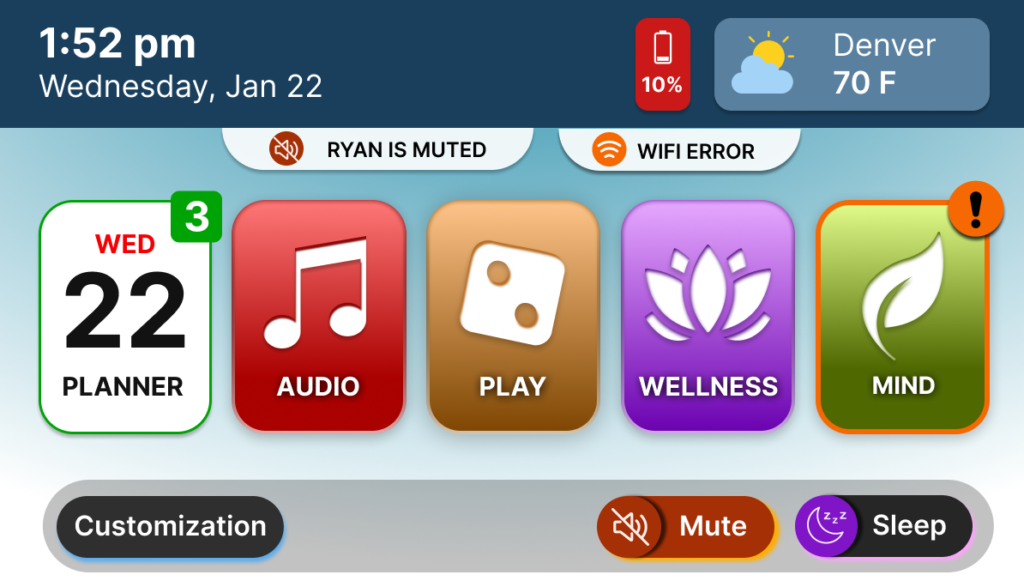
  • Simplified navigation into four core categories
    Reduced cognitive overhead by 60%
  • Streamlined visual hierarchy to improve recognition
    Larger icons with clear labels

Designed to support aging users with reduced visual sensitivity, the interface uses high-contrast visuals and large, color-coded elements to improve recognition and reduce cognitive effort.
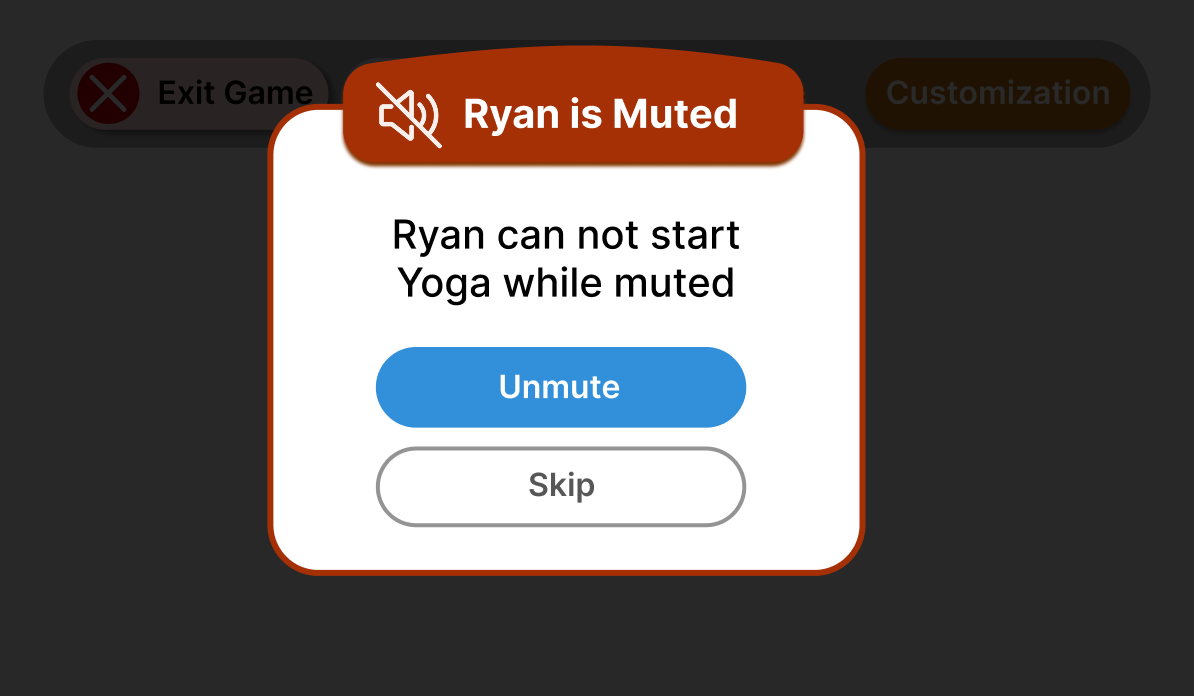
Making System Status Clear and Visible

02

  • Provided immediate feedback for user actions (audio feedback)
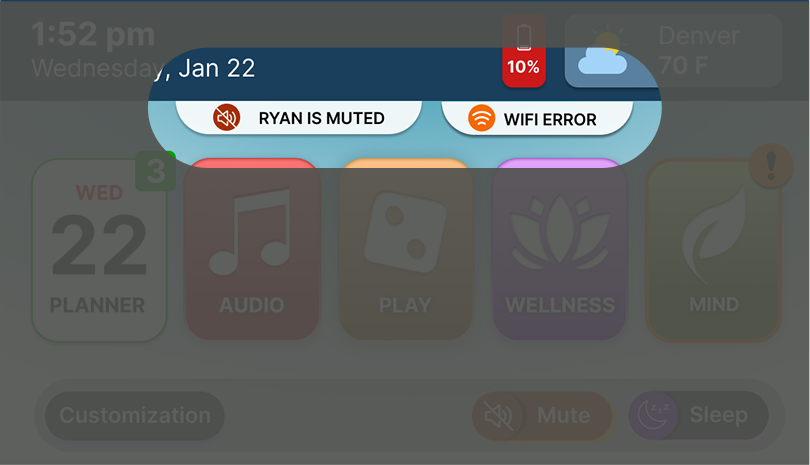
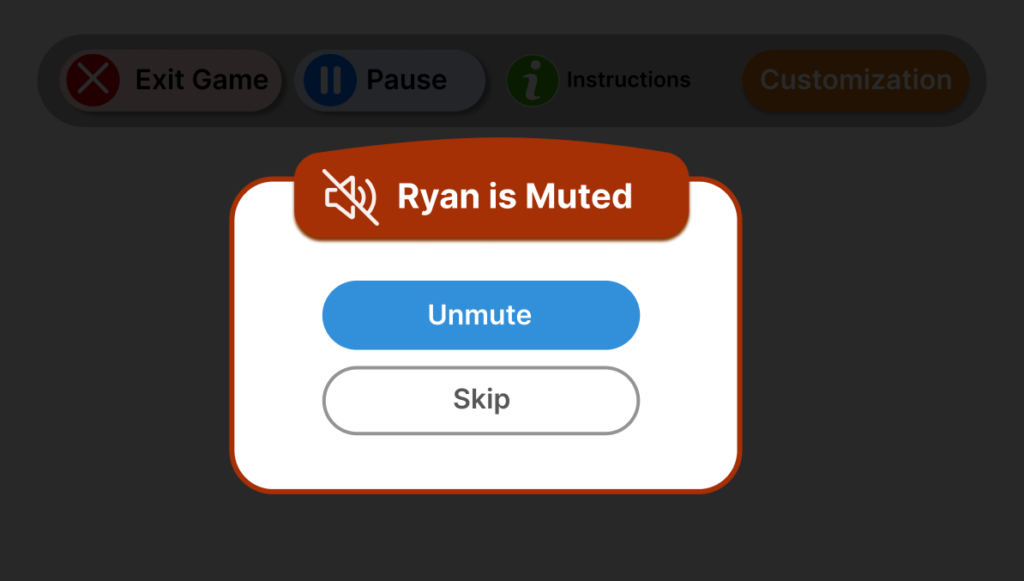
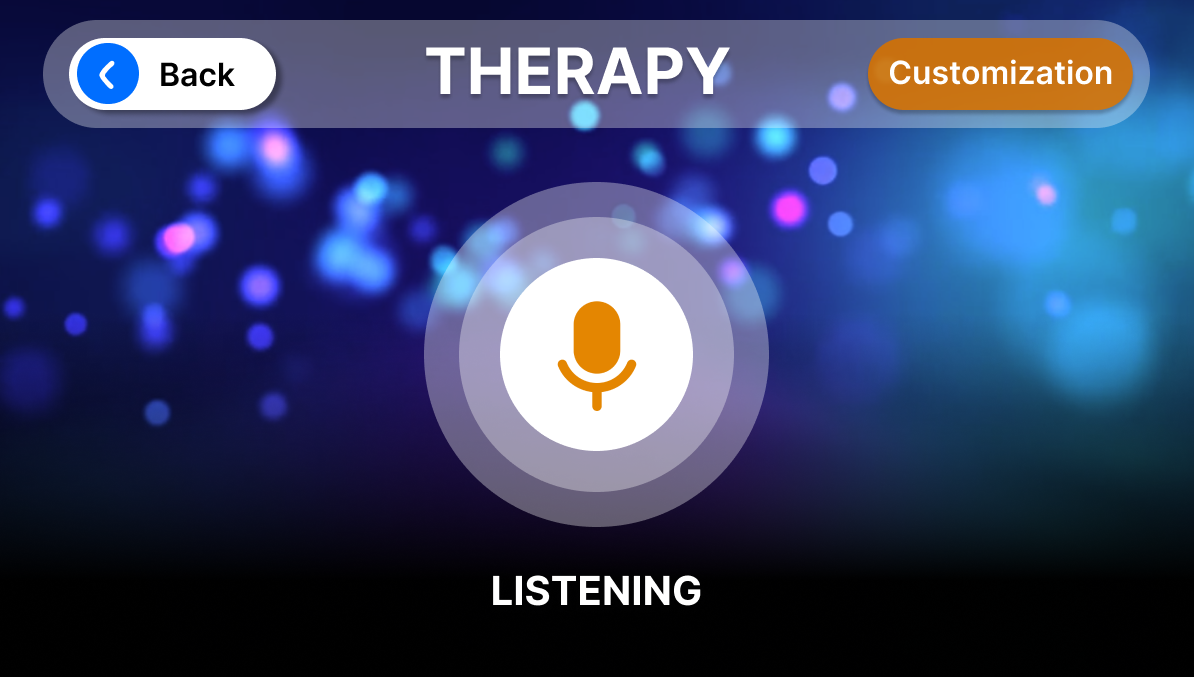
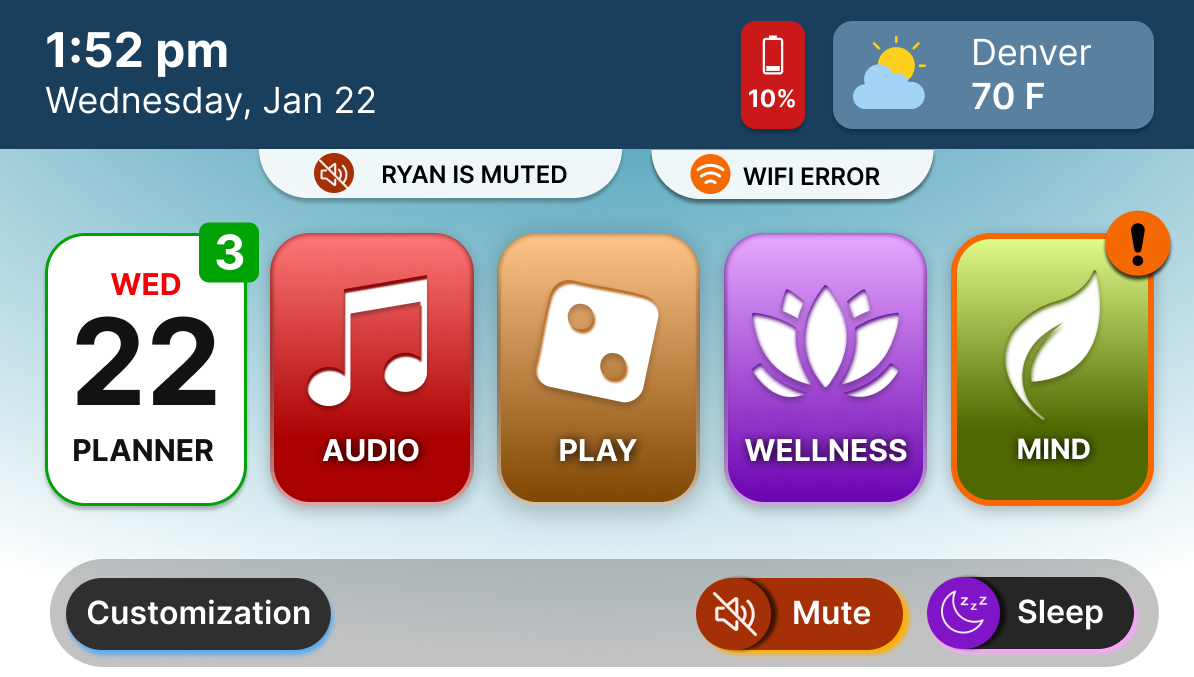
  • Introduced real-time system feedback (mute, connectivity, processing)
  • Added persistent status indicators and notifications on the main screen

Clarified visual affordances to distinguish actions from system status, reducing confusion and improving system understanding at a glance.

Making Key Features Easier to Find

03

Clear Labels

Encoding features (icon+text)

 
  • Reorganized navigation to reduce reliance on scrolling
  • Used clear labels and visual hierarchy to guide users
  • Redundant encoding (icon + text)
 
  • Brought key features to the main level
 

Led the redesign of navigation to surface key features, making them easier to find and reducing cognitive effort for users.

Building User Confidence Through System Transparency

04

  • Made system behavior transparent and predictable
  • Clearly communicated errors and system states to reduce uncertainty

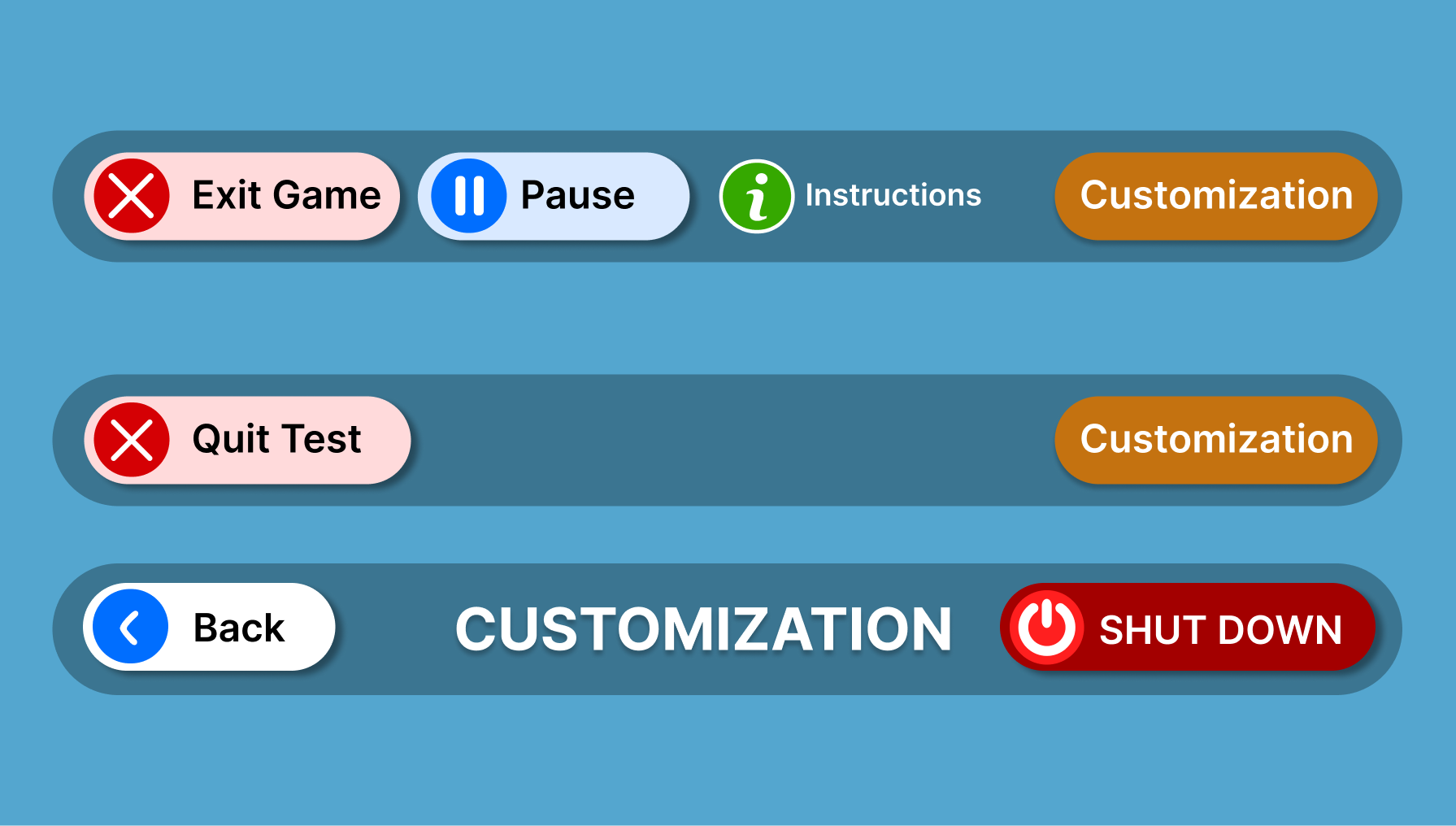
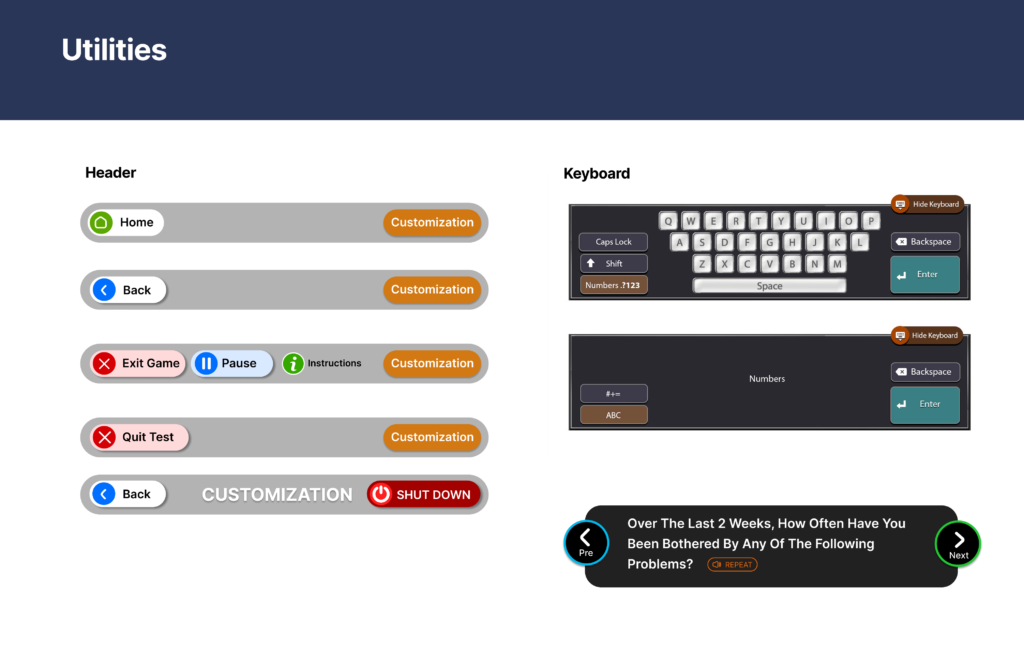
Moving to a Flat Information Architecture (IA) eliminated navigation anxiety, allowing seniors to recover from errors and return ‘Home’ with a single, persistent action.

Extending the Experience to Group Activities

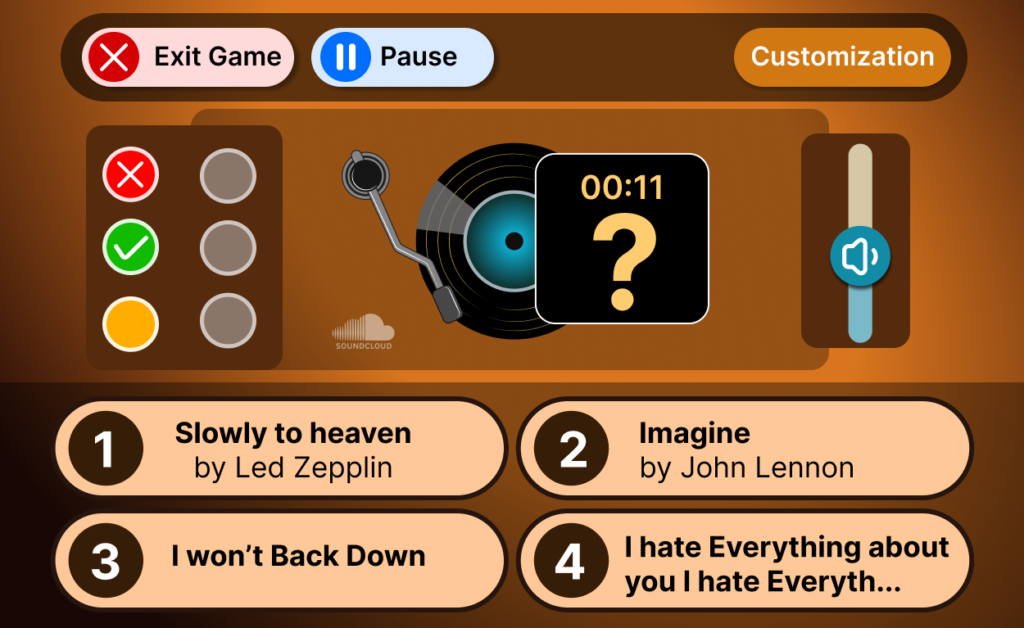
Redesigned the UX and interface of familiar group games to fit the robot’s interaction model, with simplified controls, clearer visuals, and structured flows to support accessibility and engagement for older adults.

Name That Tune

Audio-based song guessing with clear answer choices

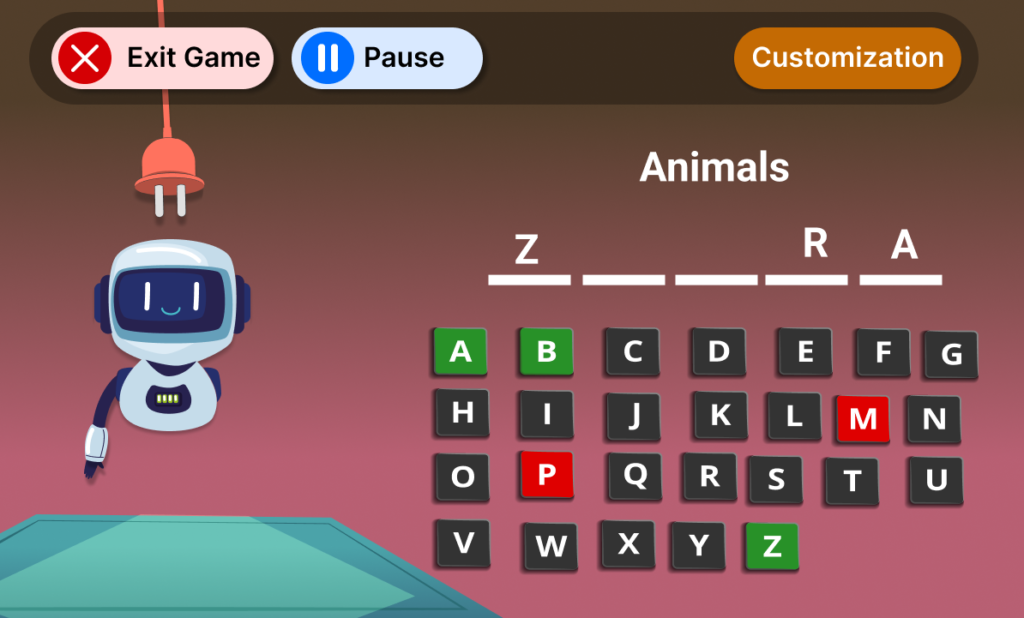
Hangman

Letter guessing with instant visual feedback

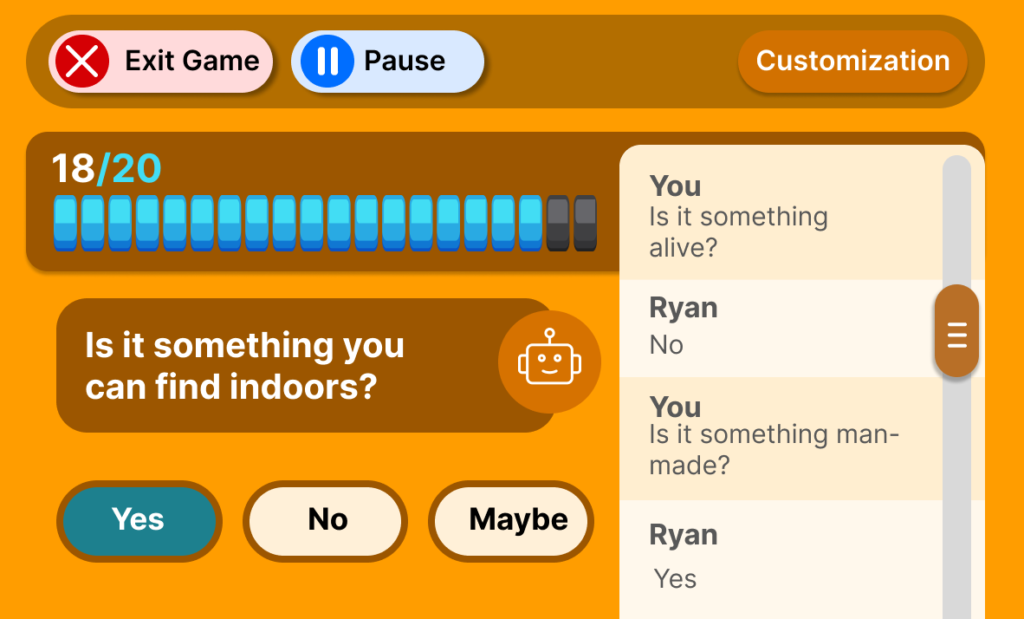
Guess 20

Guided Q&A interaction with clear decision options

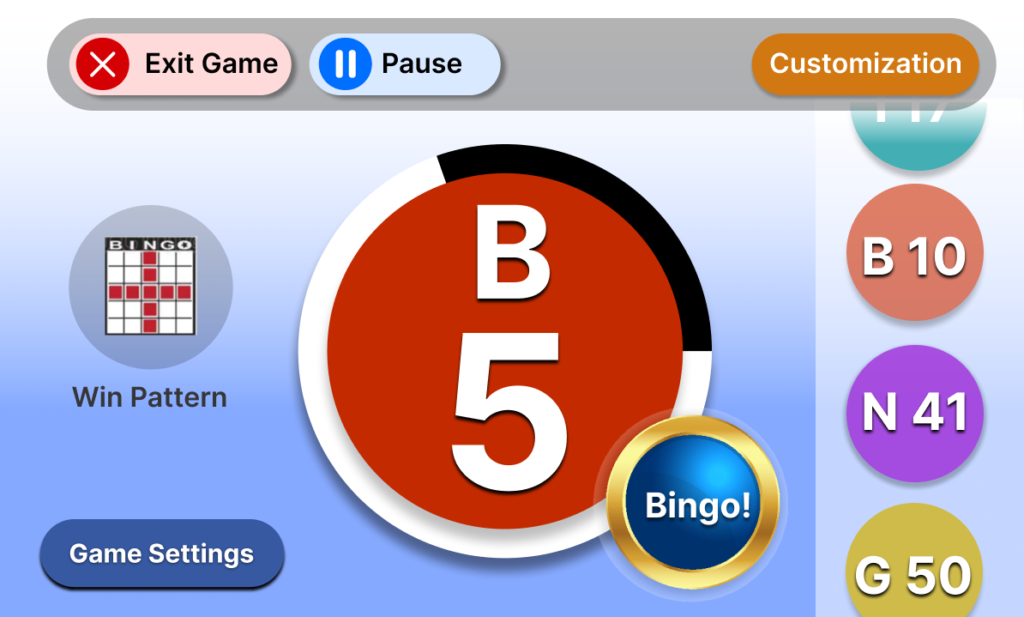
Bingo

Robot calls numbers; UI helps users follow and respond

Visual

Design System & Visual Design

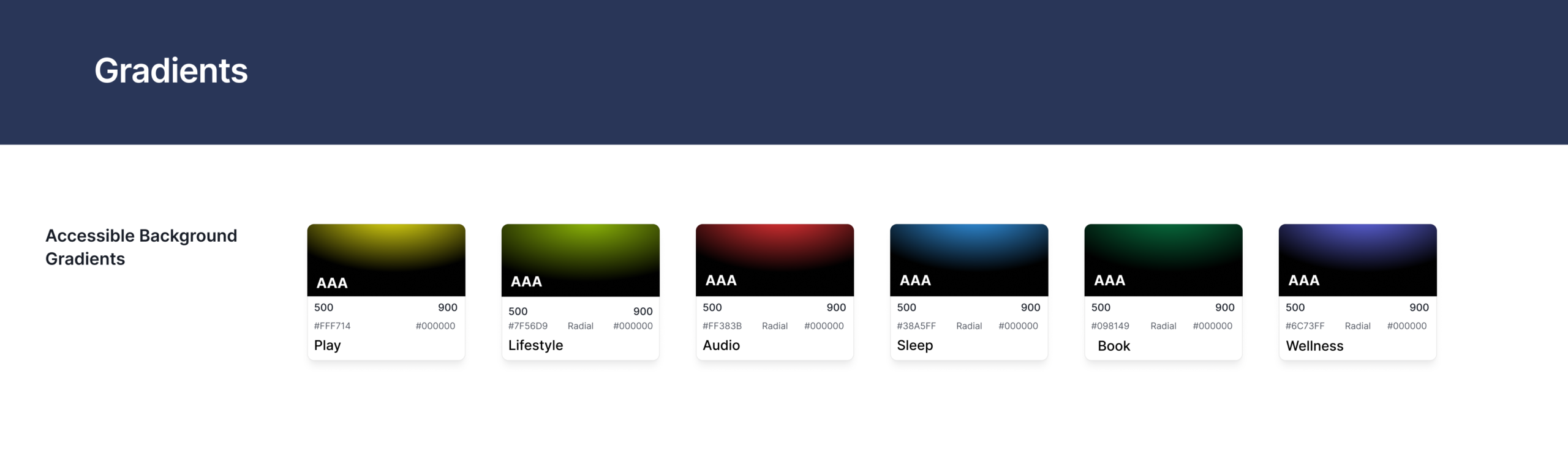
Accessibility was a core principle of the visual system, with most color combinations meeting WCAG AAA standards to support readability and visual clarity.

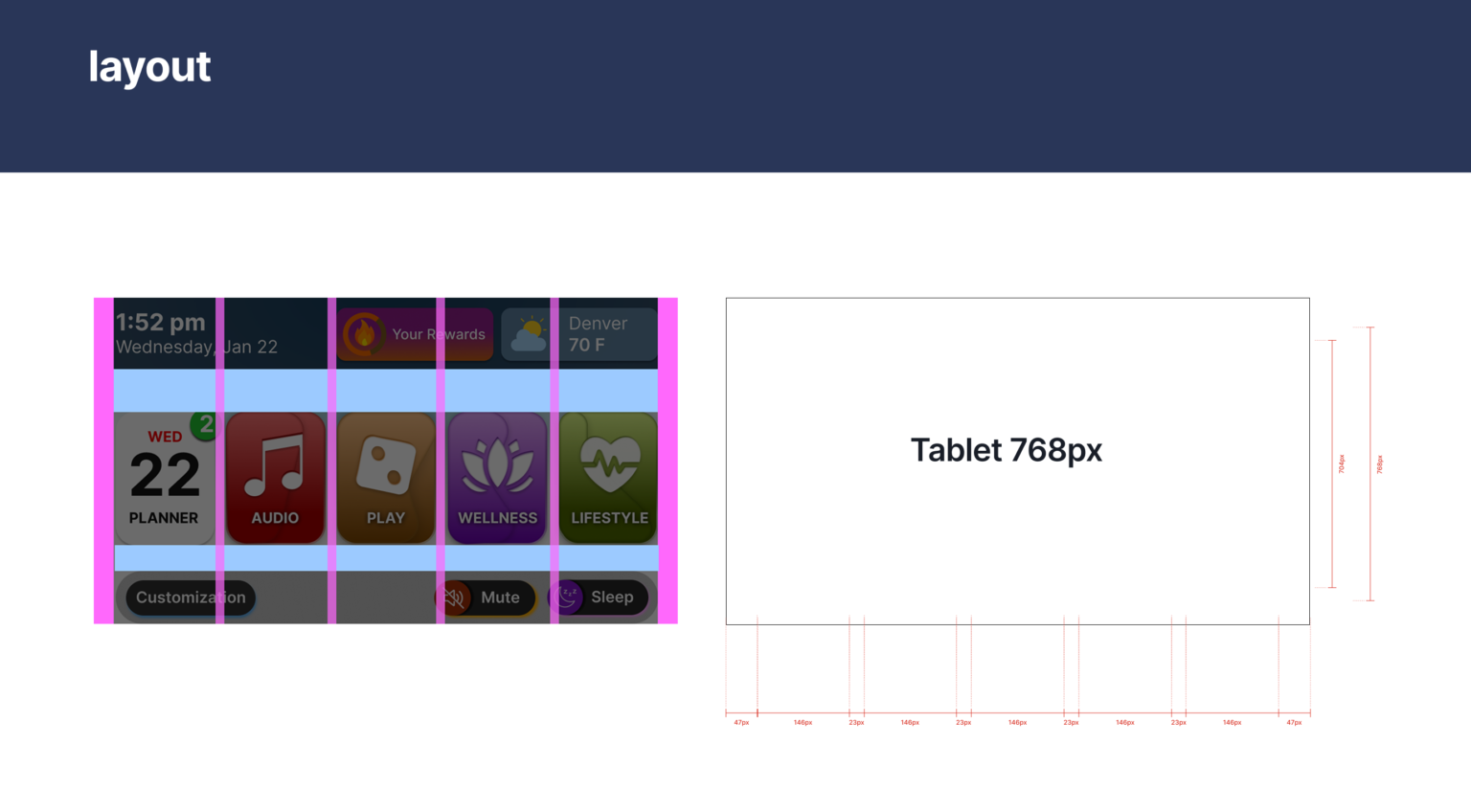
Adaptive Touch Targets for Accessibility
44pt

Apple HIG

Standard

48dp

Google

Standard

80px

Ryan UI

Primary actions

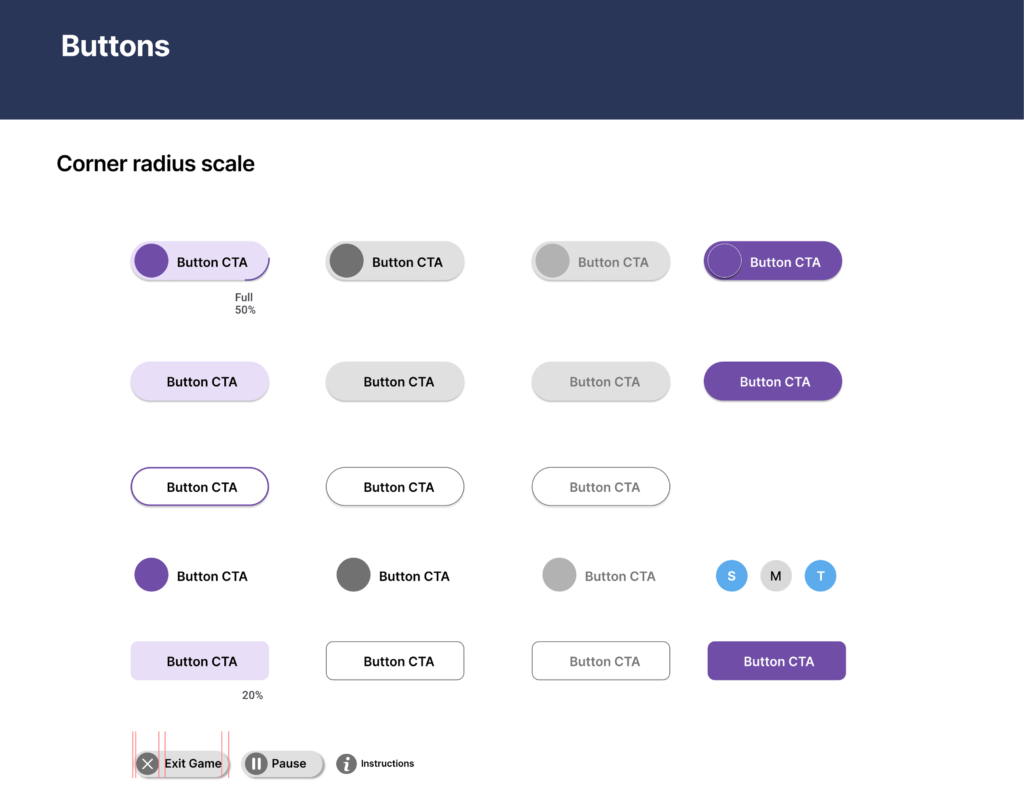
Design decision: Increased touch target sizes beyond standard guidelines (44–48px), using up to 80px for primary actions to improve accuracy and reduce accidental taps for users with limited dexterity.

OUTCOME

Final UI & Key Interactions

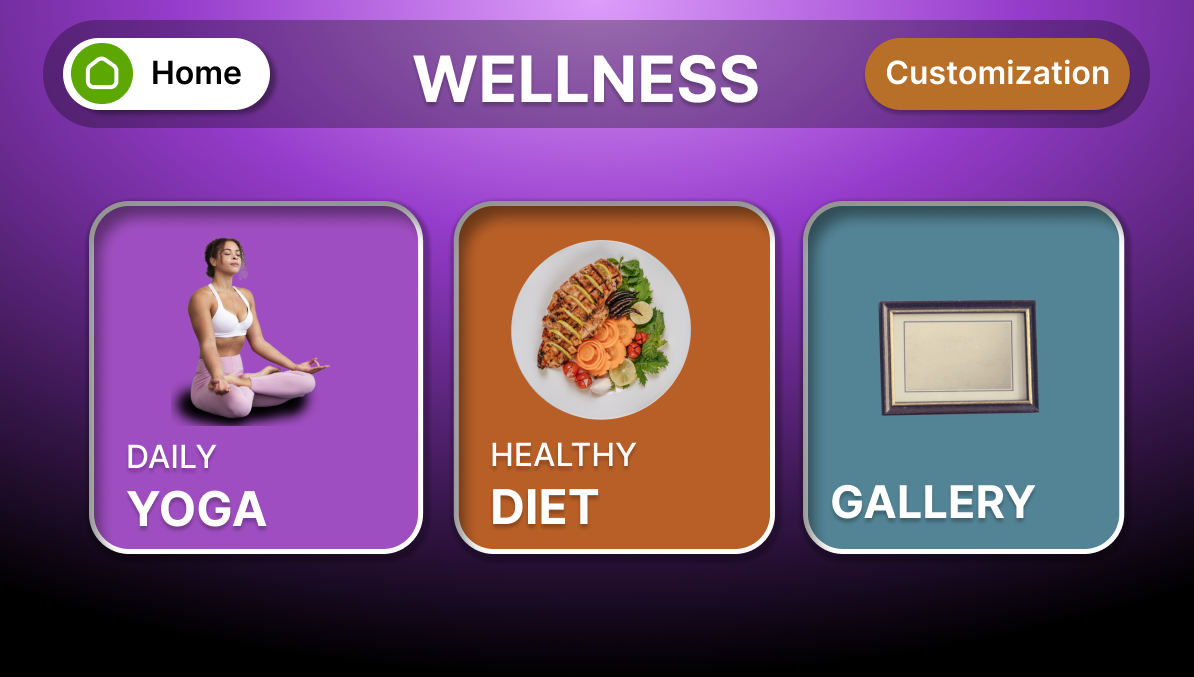
Clear navigation, large touch targets, and color-coded categories help users quickly understand where to start and where they are.

UI Showcase
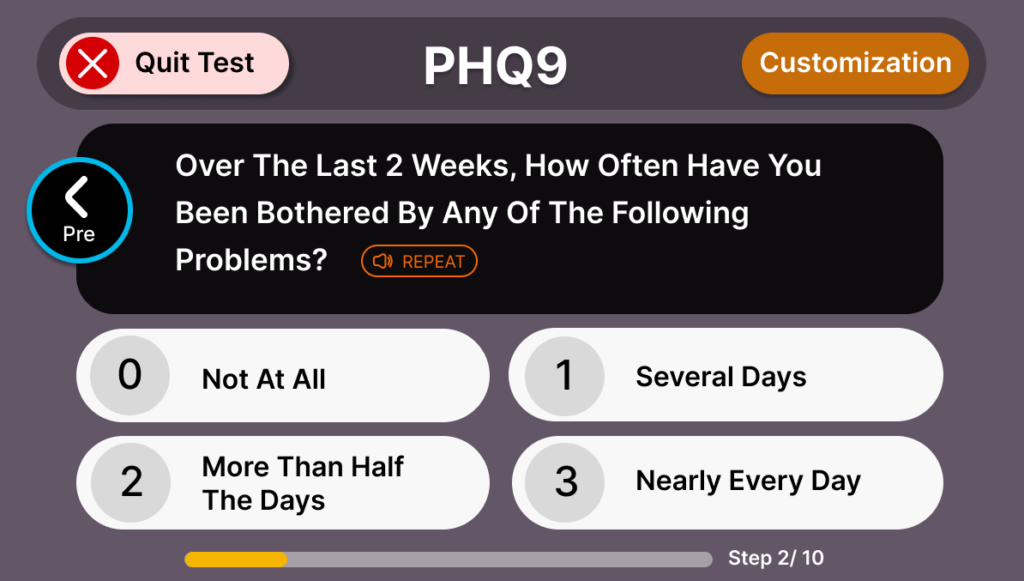
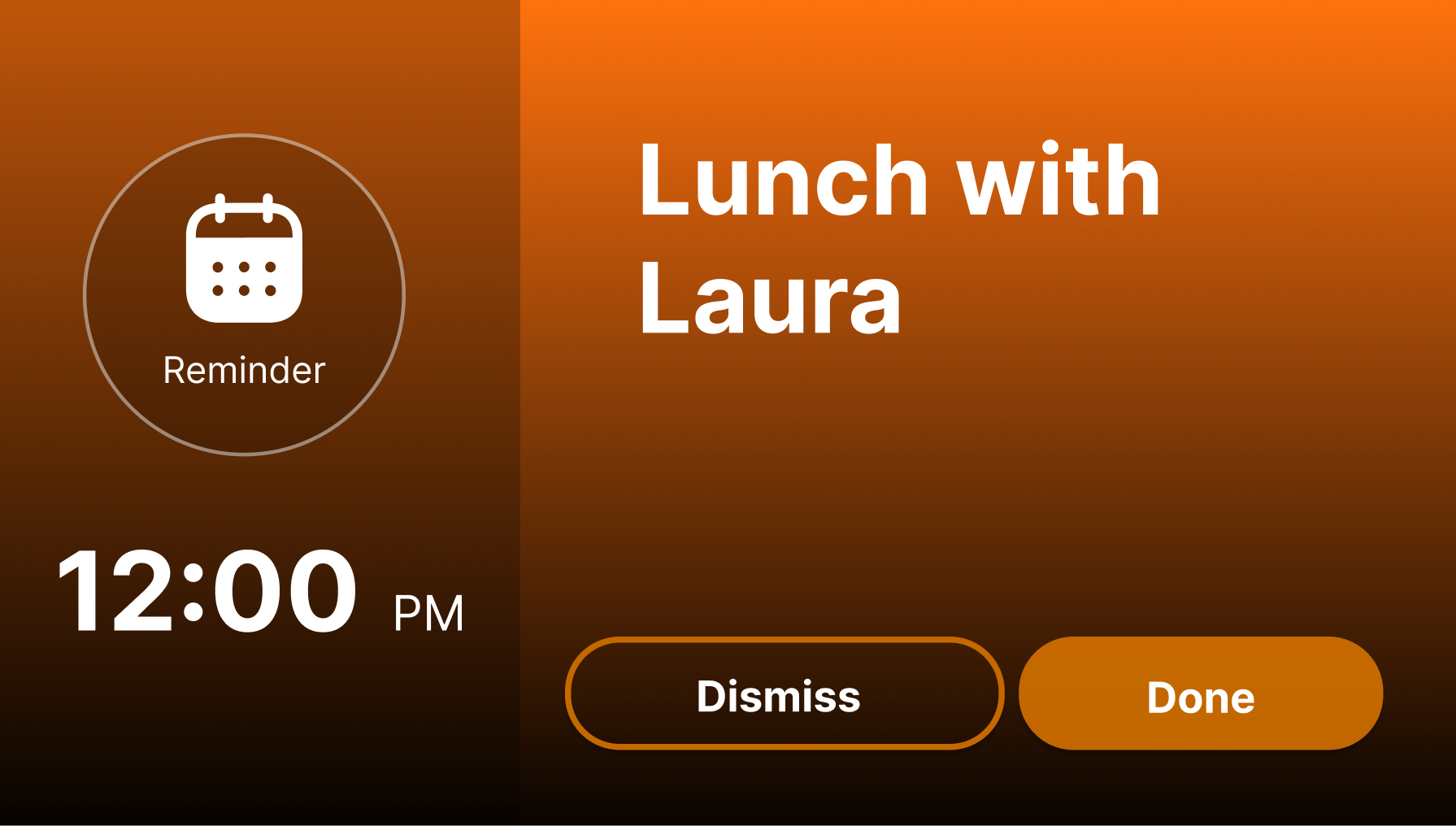
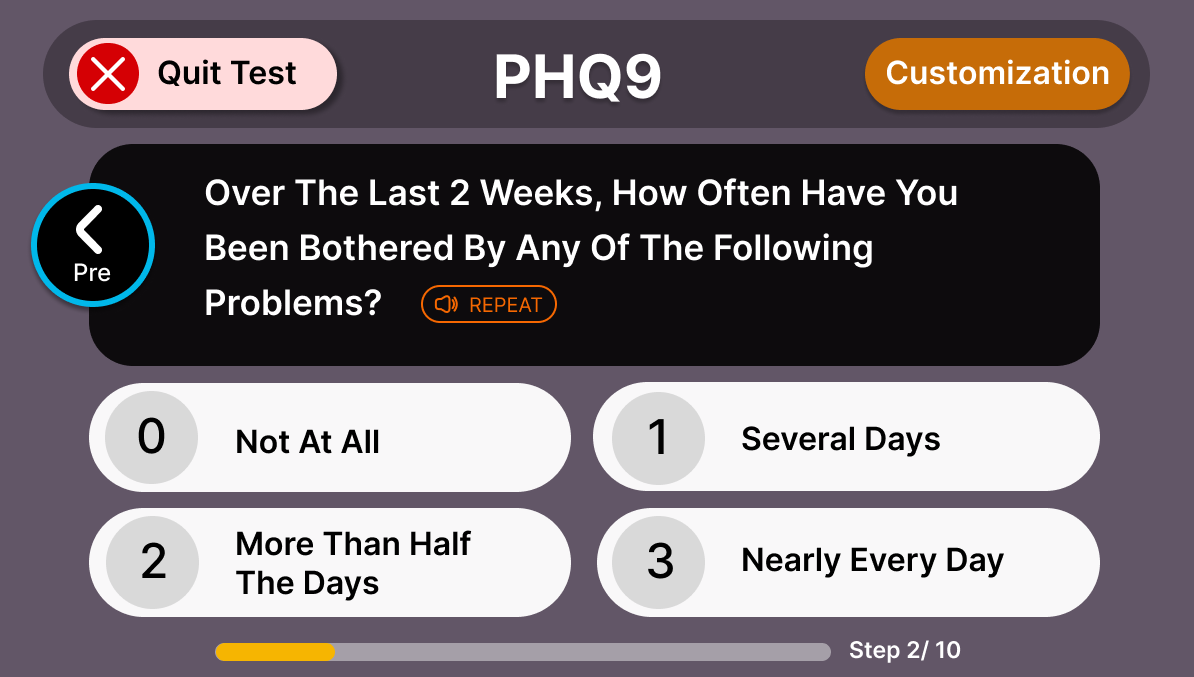
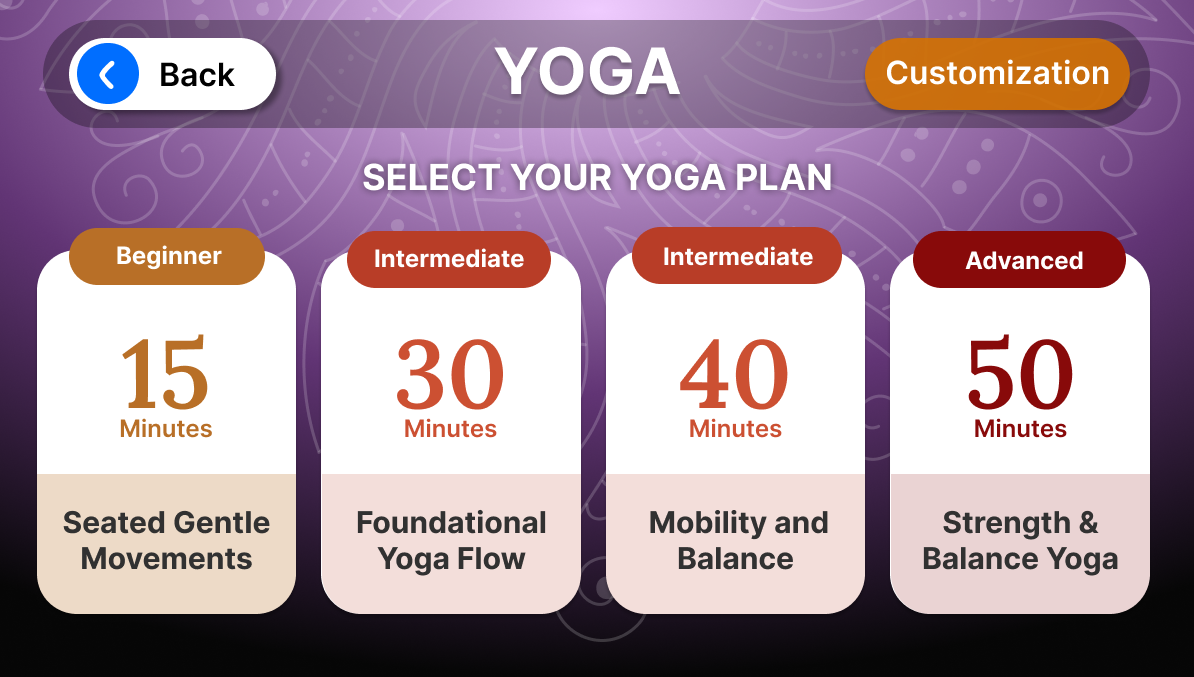
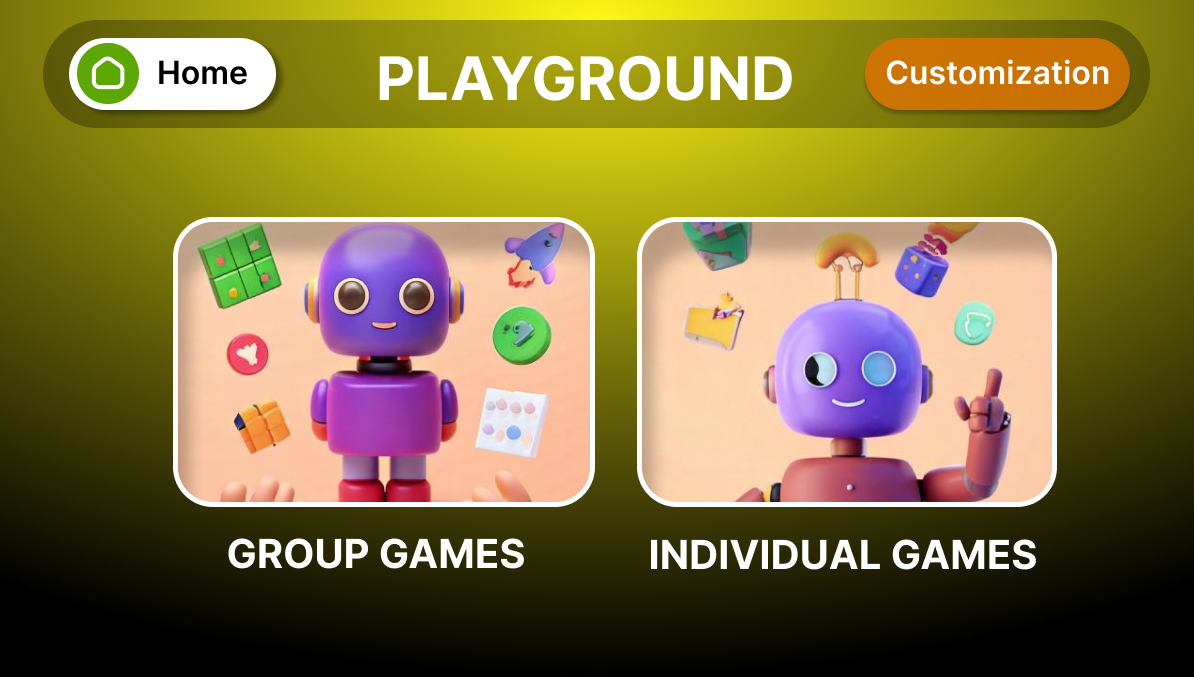
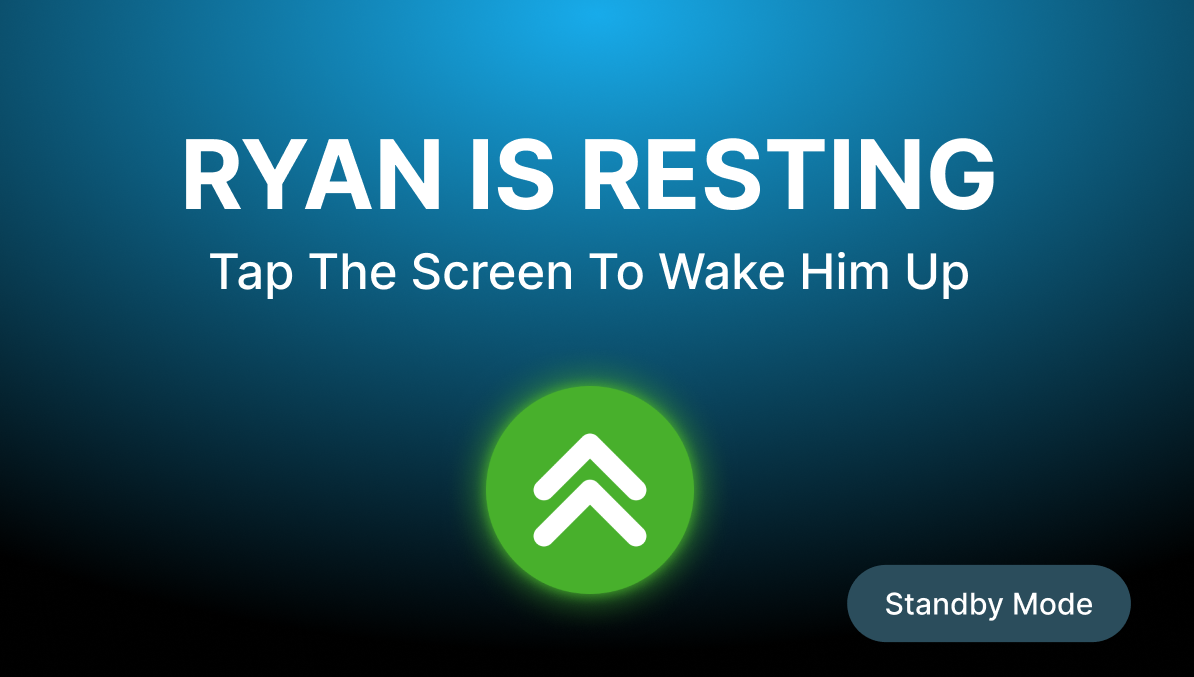
Main menu Wellness Planner Reminder Test Connection error Yoga Game paused Audio Game Sleep mode
Tap to view next →
Browse all screens — click any thumbnail

Home Page

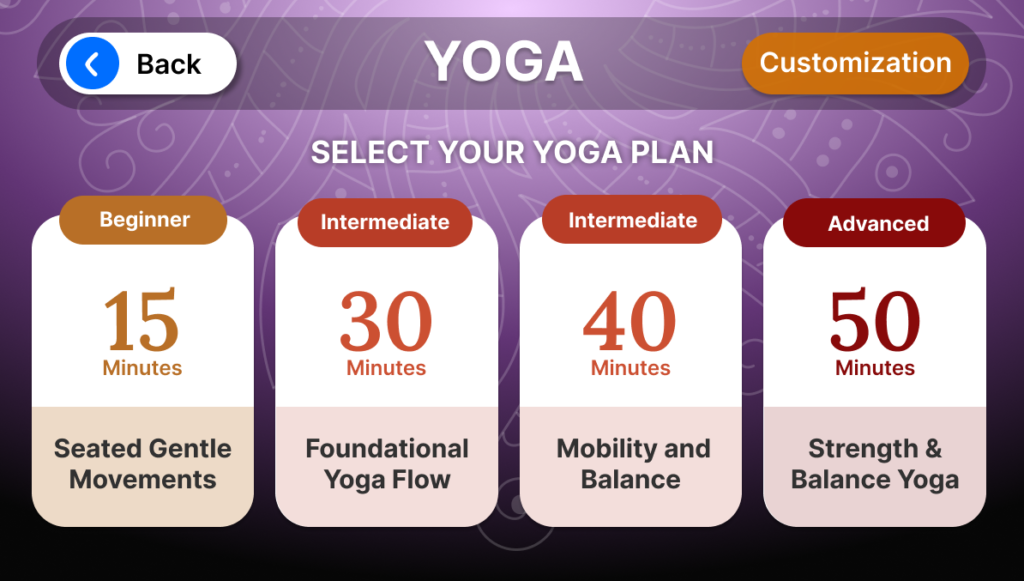
Designed a simplified navigation structure with large, color-coded categories to improve discoverability and reduce cognitive load.

Measured Impact

3× increase in daily engagement

From ~30 min to ~1.5 hours per day over a 3-month period

Improved feature discoverability

Key functions became easier to find and use

Reduced user confusion

Clear system feedback improved understanding of system status

Increased user confidence

Users felt more comfortable interacting with the robot